Discovery & user research
Stakeholder interviews, controller-capability mapping for AC and underfloor heating, and GDPR + CCPA data-ownership posture — research that surfaced the need for preset modes.

Case study · Smart home · IoT
How we shipped a mobile climate-control app from scratch — native iOS and Android clients that pair with air conditioners and underfloor heating, set a target temperature, switch operating modes, and recall preset and custom scenarios — built as a competitive differentiator for a climate-equipment manufacturer serving households across the United States and the European Union under GDPR and CCPA expectations from day one.

The client manufactures climate-control equipment — air conditioners and underfloor heating — for residential and commercial spaces, and wanted a mobile app built from scratch that would turn their hardware into a connected, remotely controllable system. For households in the United States and the European Union, a controller on the wall is no longer enough: people expect to warm the floor before they get home, drop the temperature from bed, and never think about which physical panel does what. The brief was to make that experience the product's competitive differentiator — precise, friendly remote control of every climate device in the home from a single app. Off-the-shelf smart-home hubs failed the first acceptance test: they flatten a manufacturer's specific air-conditioner and underfloor-heating capabilities into a generic on/off tile and bury the brand inside someone else's ecosystem. We built the system from first principles at YuSMP Group as a unified product — native iOS and Android clients, a self-service device-pairing flow, and a backend control plane that relays commands to the controllers — engineered with our custom software development practice for the US and EU markets.
A snapshot of what the climate-control build delivered across two native mobile platforms and a controller-facing backend in its first production cycle.
The platform decision dominates every other architectural choice in a connected-device build. We chose native iOS and Android over a single cross-platform shell because a climate-control app lives or dies on the pairing and connectivity experience, and that is precisely where native code earns its keep. Direct, reliable access to local-network discovery, Bluetooth pairing, background refresh, and push notifications keeps the app and the physical controller in sync — and when a user sets 25°C from bed, they need the air conditioner to acknowledge it and the screen to reflect reality, not a cached guess. Building both clients natively also meant the manufacturer owns the full experience rather than renting it inside a generic smart-home hub, which matters for US and EU companies that have to answer to GDPR and CCPA obligations on the household data the app collects.
The trade-off most teams underweight is the long tail of devices and OS versions in real homes. A cross-platform shell tends to lag native APIs for local discovery and background connectivity, and the abstraction leaks exactly where it hurts — during setup and during the live control loop. By writing Swift and Kotlin directly, the device-setup flow, the temperature loop, and the offline behavior behave identically and predictably across a wide range of phones, and the codebase stays open and maintainable for the manufacturer's long-term roadmap.
| Dimension | Native iOS + Android (this build) | Cross-platform shell | Third-party smart-home hub |
|---|---|---|---|
| Local discovery & pairing | First-class native APIs, guided flow | Lags native, abstraction leaks | Generic, brand hidden |
| Background connectivity | Native background refresh + push | Constrained, plugin-dependent | Hub-mediated |
| Device-specific capabilities | Full AC + underfloor feature set | Possible but harder to tune | Flattened to on/off tile |
| Brand ownership | Manufacturer owns the experience | Manufacturer owns the experience | Inside someone else's ecosystem |
| Data ownership (GDPR / CCPA) | Full ownership and residency control | Full ownership and residency control | Shared with hub vendor |
| Live control-loop fidelity | Acknowledged commands, true state | Often cached / optimistic only | Varies by integration |
| Device / OS coverage | Tuned per platform across old + new | One codebase, uneven on edges | Limited by hub support |
Platform references: Swift documentation, Android Kotlin reference, Laravel documentation.
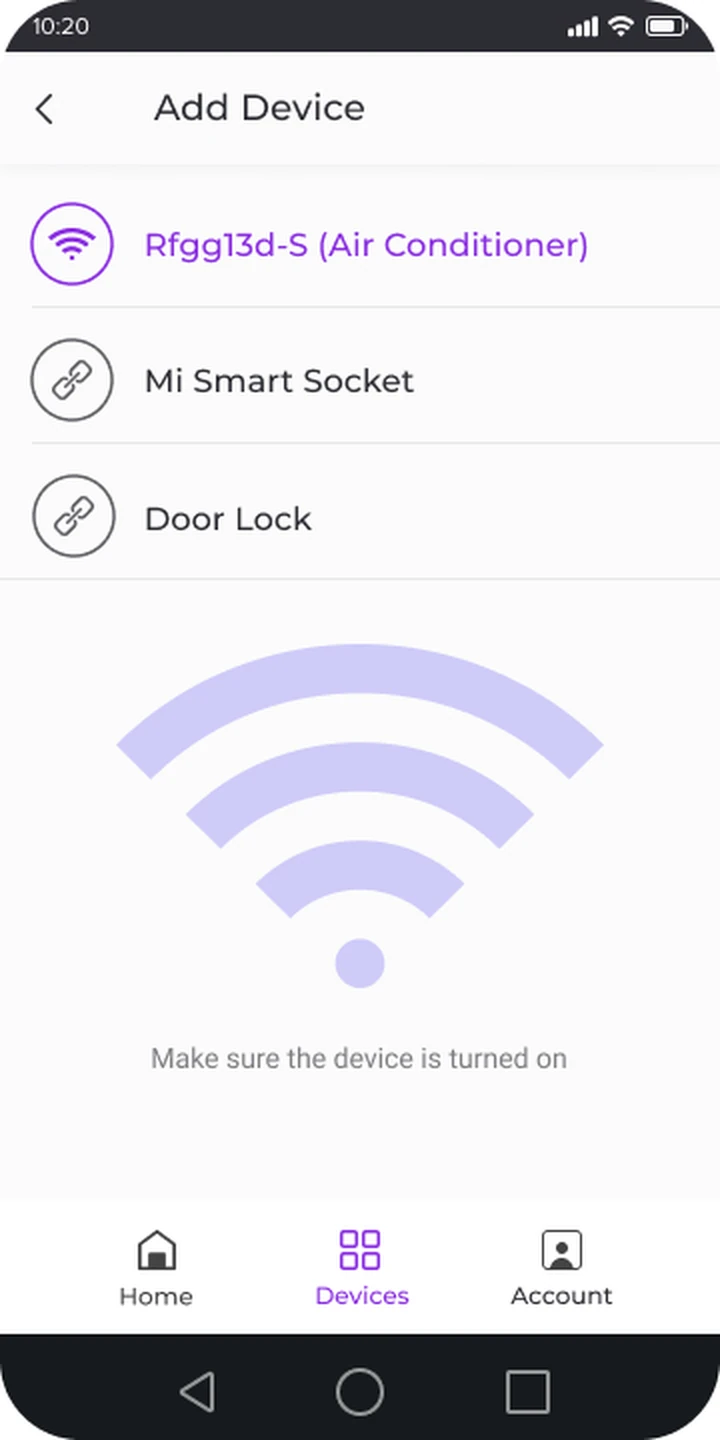
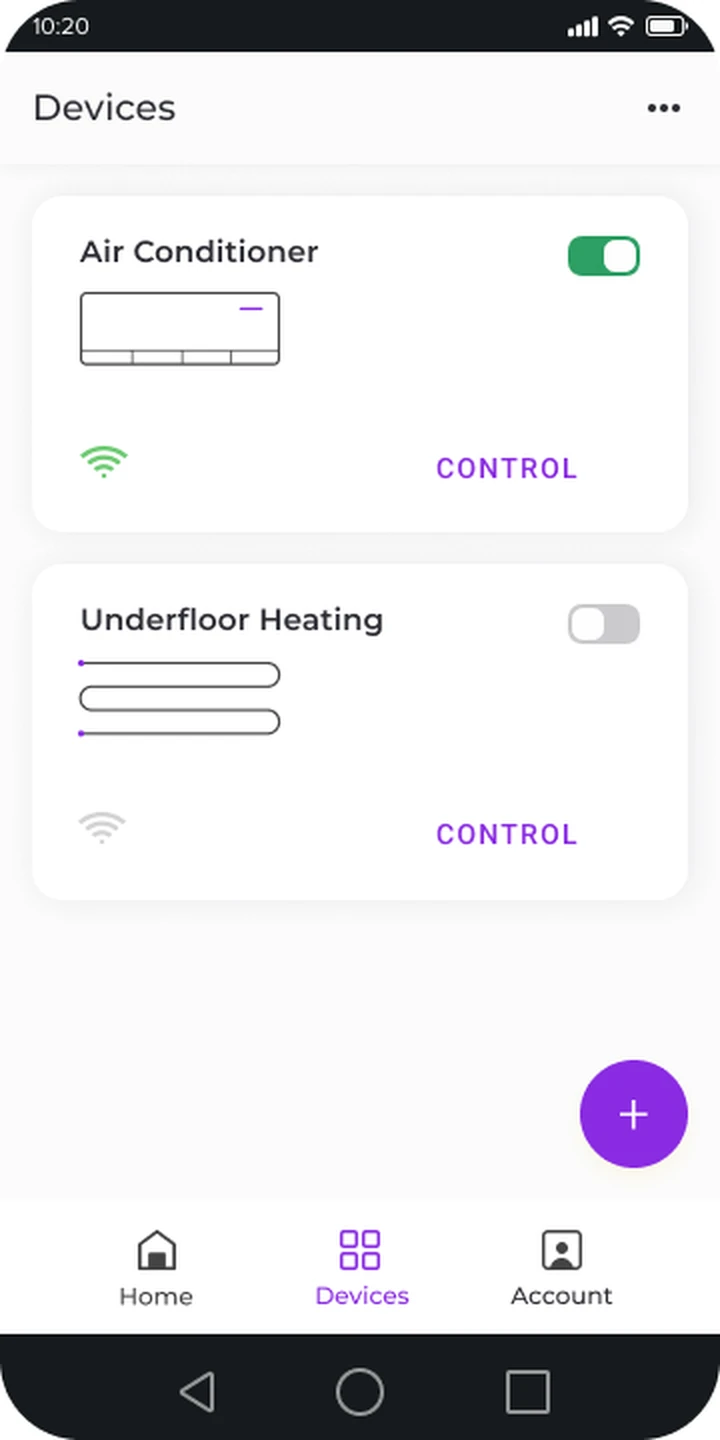
The iOS client is built in Swift and opens on the home dashboard — a clean list of every paired climate device with its current connectivity status and a single CONTROL action per card. Adding a device is self-service: the user taps the plus button, the app discovers the controller over the local network or Bluetooth, and a guided flow binds it to the account. That setup path is the highest-stakes screen in the whole product, because a household that cannot get past pairing never sees the value of anything else, so it was designed to recover gracefully from weak Wi-Fi, a sleeping controller, or a mistyped credential rather than dead-ending the user.
Once devices are paired, the dashboard becomes the daily home base: an air conditioner and an underfloor-heating loop sit side by side, each with a live on/off toggle and a Wi-Fi indicator so it is obvious at a glance what is reachable and what is running. The design assumes a glance-and-go user — large tap targets, one primary action per card, and connectivity surfaced honestly rather than hidden. The end-to-end iOS surface is delivered as part of our mobile app development practice.
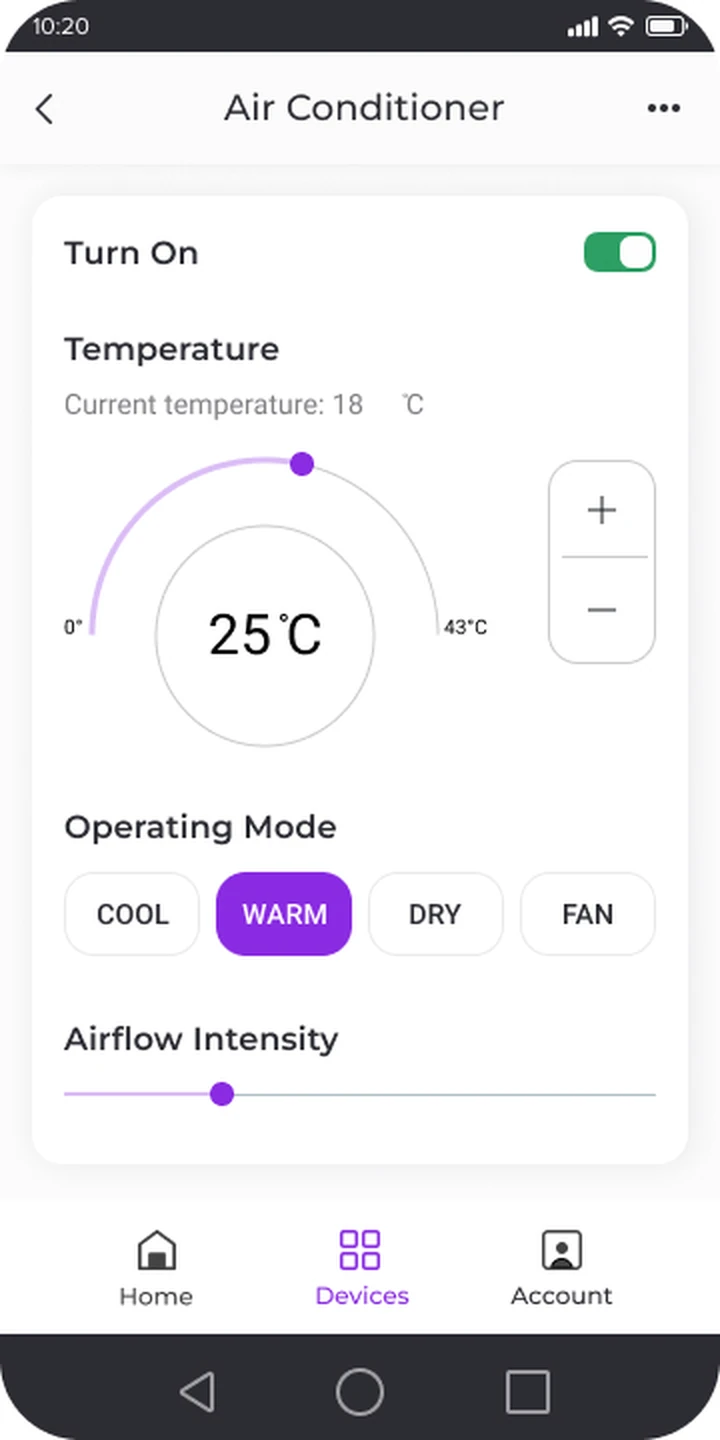
The Android client mirrors the iOS experience in Kotlin so a household on either device family runs the same pair-control-confirm loop. The heart of the app is the control screen: a master power toggle, the current measured temperature, and a circular setpoint dial that runs from a floor to a ceiling value — set it to 25°C and the controller is told to hold that target. Below the dial, operating mode is one tap — cool, warm, dry, or fan — and an airflow-intensity slider tunes how hard the unit works. The same engineering team carries iOS and Android in lockstep as part of our iOS and Android engineering practice.
Behind that screen sits the connectivity layer that makes the loop trustworthy. Every command — power, setpoint, mode, airflow — is relayed through the backend to the controller, which acknowledges the change so the on-screen state reflects the physical system rather than an optimistic guess. The current-temperature read streams back the same way, so what the user sees on the dial is what the room actually is. The whole control plane is engineered on our cloud & DevOps foundation so the API and the device-messaging workers scale together as the installed base grows.
The backend is a Laravel control plane that sits between the apps and the climate controllers. It owns accounts and device bindings, relays each command to the right controller, and mirrors live state back to every client so a phone, a tablet, and a partner's device all see the same truth. Because the manufacturer owns this control plane rather than renting a third-party hub, the household data the app touches — paired devices, schedules, and usage patterns — stays under the manufacturer's control rather than being shared with a hub vendor.
That ownership turns compliance into a design choice rather than a vendor default. Operational data can be pinned to US or EU infrastructure for future data-residency commitments, role separation keeps household, installer, and admin views apart, and the system aligns with GDPR obligations for users in the European Union and CCPA / CPRA obligations for users in California and the broader United States — making a future readiness review a documentation exercise rather than an architectural retrofit.
Compliance posture: GDPR-aligned · ISO 27001 ready · SOC 2 Type II in progress · HIPAA-capable · CCPA-acknowledged.
A five-phase Agile build that took the climate-control app from a hardware-only product to a connected experience for the US and EU.
Stakeholder interviews, controller-capability mapping for AC and underfloor heating, and GDPR + CCPA data-ownership posture — research that surfaced the need for preset modes.
Laravel control-plane skeleton, the device-discovery and pairing contract, the command-and-acknowledge messaging scheme, and the live state-mirroring model.
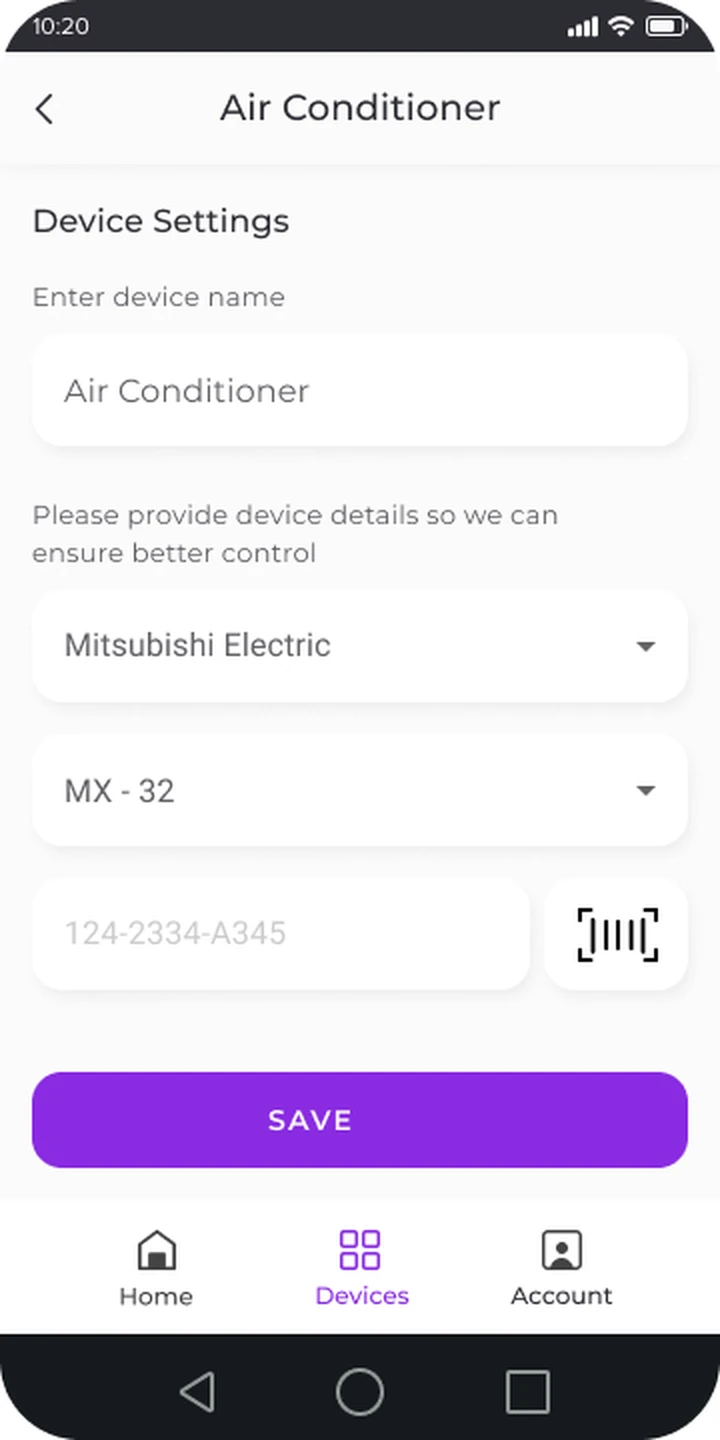
Swift iOS and Kotlin Android clients — home dashboard, self-service pairing, temperature setpoint dial, operating modes, airflow control, presets, and scenarios.
Certification against real HVAC and underfloor-heating controllers, weak-network pairing recovery, control-loop fidelity testing, and cross-device OS coverage.
Store releases on iOS and Android, telemetry across US and EU households, and Agile iteration on presets and scenarios from real usage.
Beyond the raw control surface, the platform carries a presets-and-scenarios subsystem that is where daily engagement actually comes from. User research during discovery showed that households rarely want to dial in raw numbers every time they walk in the door, so the team added preset climate modes — one-tap profiles tuned for common situations such as a comfortable evening or an energy-saving away setting — and made custom scenarios first-class: a household saves its own combination of devices, target temperatures, and operating modes and recalls it with a single action. That turns a multi-device home across the US and EU into a few intentful taps and gives the manufacturer a sticky, differentiated experience rather than a glorified remote. The subsystem was built for extensibility — adding a new preset, a scheduled scenario, or a future automation trigger is a configuration change against the control plane rather than a new app release — and it is the layer that earns the product its place as a competitive advantage and a driver of energy savings for the household.
The app shipped as a single English-language build serving households across the United States and the European Union, without a separate codebase per region. It serves users in California, New York, Texas, Florida, and Washington in the US, and users in the Netherlands, Germany, France, Ireland, and Sweden in the EU. Because the manufacturer owns its own control plane, data-handling practices are aligned with GDPR for users in the EU and with the US state-privacy patchwork — CCPA / CPRA (California), VCDPA (Virginia), CPA (Colorado), CTDPA (Connecticut), UCPA (Utah), TDPSA (Texas), and Oregon CPA. Role separation keeps household, installer, and admin views apart, and operational data can be pinned to US or EU infrastructure for future data-residency commitments — so regional compliance reduces to honest disclosure and access discipline rather than per-jurisdiction rework.
The product is built to roll out across EU and US markets in parallel, with the same native clients and control plane bound to the local climate controllers on each home's network. The pairing and command paths run the same way in every region, so a manufacturer expanding from one market to the next gets one consistent experience across geographies. The engineering team behind the build runs a CET workday with East-Coast US overlap (9 AM–1 PM ET) for stand-ups, firmware-integration choreography, and incident response — the window that lets a US product team and an EU engineering team share four hours of live overlap every day. Data-handling references are documented directly against GDPR obligations and California CCPA obligations.
The active custom software development roadmap for the climate platform includes scheduled scenarios that fire on time-of-day or geofence, an energy-usage dashboard that turns controller telemetry into savings insight, and voice-assistant integration for hands-free temperature changes. A multi-home and installer console is planned for the US and EU markets so property managers can oversee several locations, with the presets-and-scenarios subsystem already structured for shared profiles. Infrastructure plans include deeper over-the-air firmware coordination, a connectivity-resilience harness that reconciles app and controller state, and regional deployment scaffolded into the cloud & DevOps roadmap.
If you are planning a smart-home, HVAC, or connected-device app where pairing has to be effortless and the live control loop has to stay honest for audiences in the US and EU, we have shipped this stack end-to-end and can compress the build timeline meaningfully. The product overview is available at yusmpgroup.ru (iOS and Android), and the engineering team behind it sits inside YuSMP Group. We work fixed-price for well-scoped MVPs and on dedicated development teams for ongoing delivery, with a CET workday and a guaranteed East-Coast US overlap (9 AM–1 PM ET) window for stand-ups, demos, and incident response.
A custom climate-control MVP with one mobile platform, device pairing, remote temperature setpoint, and a few operating modes typically costs $70k–$160k. Adding the second native platform, preset modes, custom scenarios, multi-device dashboards, and a hardened backend that talks to the controller firmware brings a full-featured product to $180k–$420k. The dominant cost drivers are the device-pairing flow, the connectivity layer that keeps app and hardware state in sync, and certification testing against the real HVAC controllers in the field.
A climate-control app lives or dies on the pairing and connectivity experience, and that is where native code earns its keep. Native iOS and Android give direct, reliable access to local-network discovery, Bluetooth pairing, background refresh, and push so the app and the controller stay in sync. We built both clients natively in Swift and Kotlin so the device-setup flow, the live temperature loop, and the offline behavior behave identically and predictably for US and EU households on a wide range of phones.
Setup is self-service: the user adds a device from the home dashboard, the app discovers the controller over the local network or Bluetooth, and a guided flow binds it to the account. Once paired, the app talks to the controller through a backend control plane that relays commands and streams state. The user sets a target temperature, picks an operating mode such as cool, warm, dry, or fan, and adjusts airflow intensity; the controller acknowledges each command so the on-screen state always reflects the physical system.
Preset modes are one-tap climate profiles tuned for common situations — for example a comfortable evening setting or an energy-saving away setting — surfaced after user research showed people rarely want to dial in raw numbers every time. Custom scenarios let a household save its own combinations of devices, target temperatures, and modes and recall them with a single action. Together they turn a multi-device home into a few intentful taps, which is the difference that drives daily engagement.
A focused MVP with one native client, device pairing, remote temperature control, and core operating modes typically takes 12–18 weeks. Adding the second native platform, preset modes, custom scenarios, the multi-device dashboard, and a backend that mirrors controller state adds 8–12 weeks. The integration and certification pass against real HVAC and underfloor-heating controllers in the field is regularly underestimated and should be budgeted at 4–6 weeks of dedicated work.
Related cases
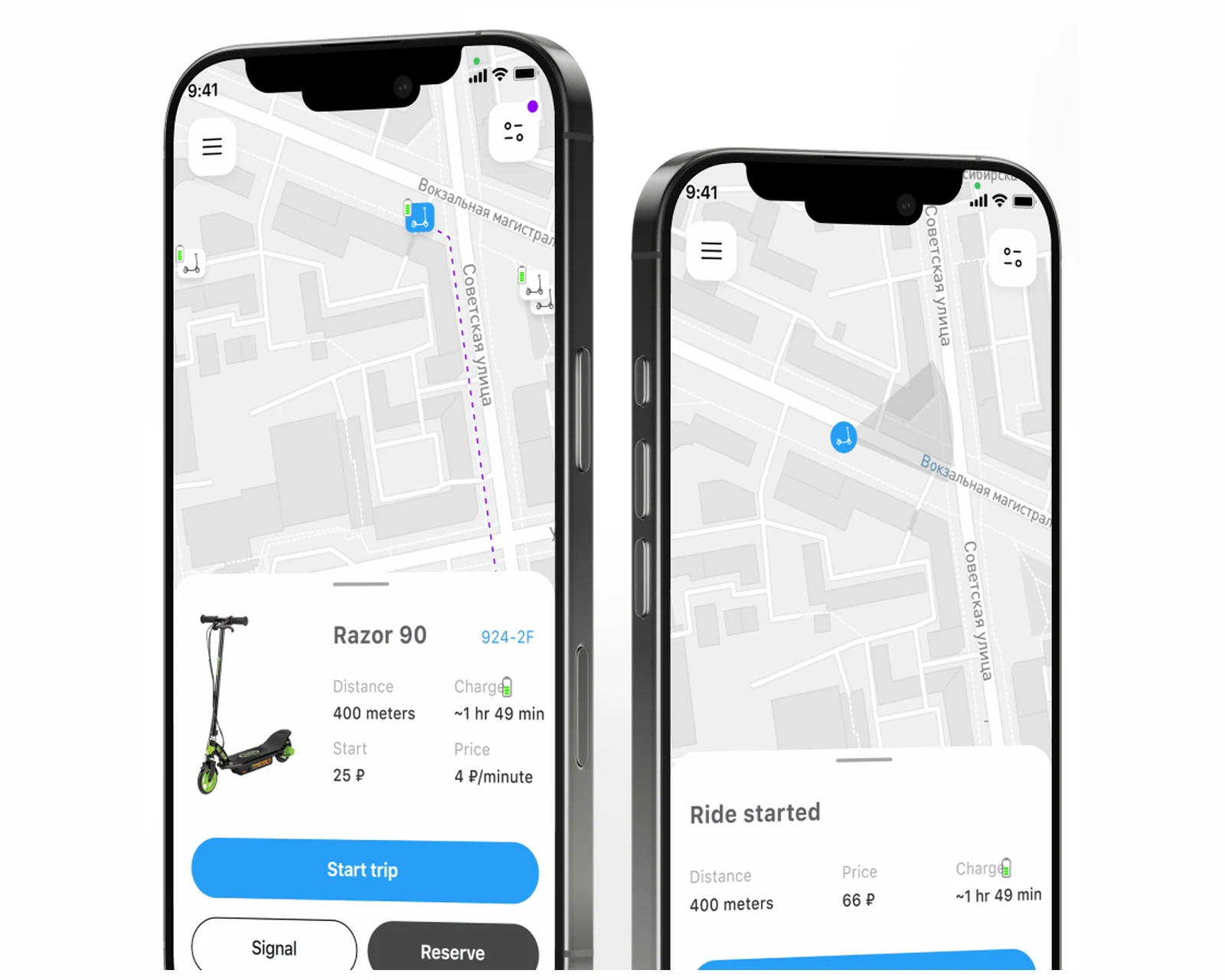
Native rider app, connected-scooter unlock, and an ops control plane for shared mobility across US & EU.
View case →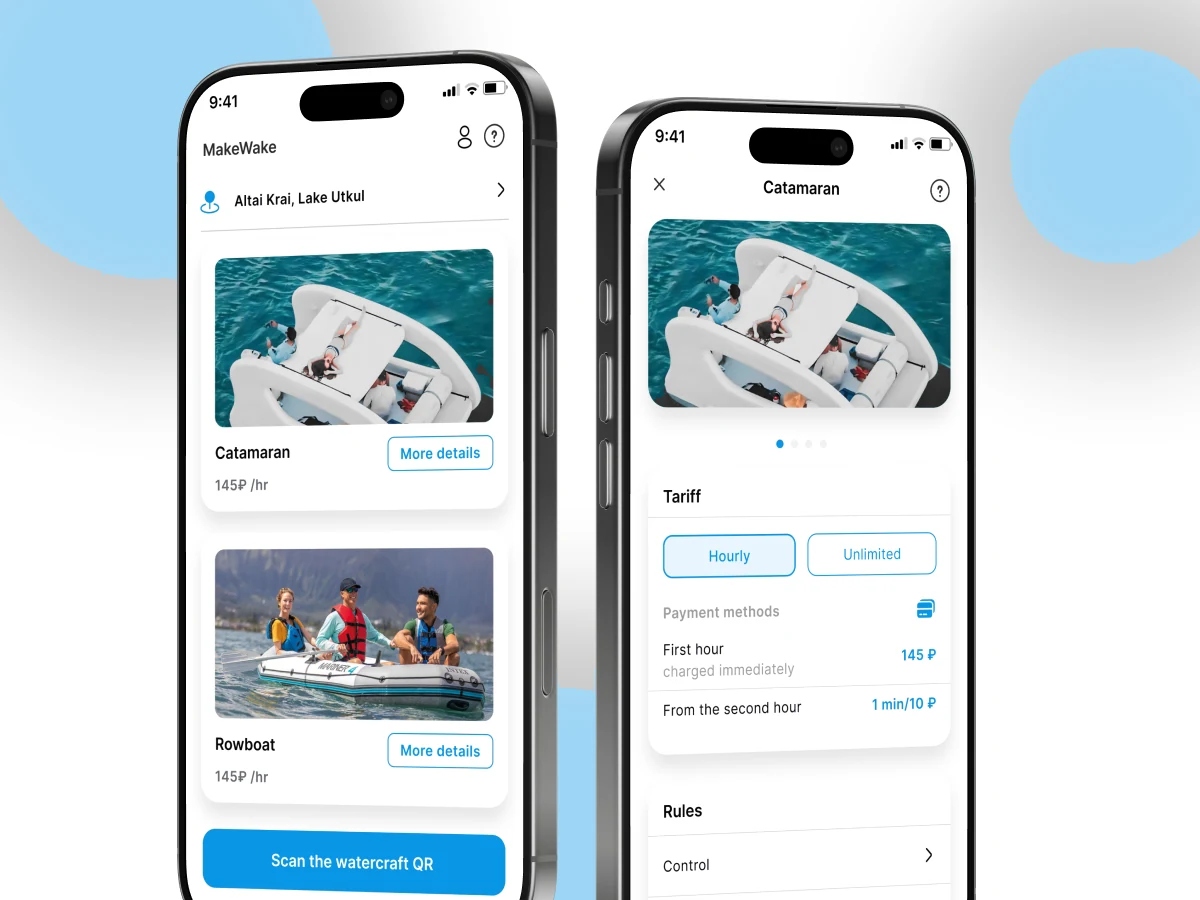
Mobile booking app and operator dashboard for a connected wake-park experience across US & EU.
View case →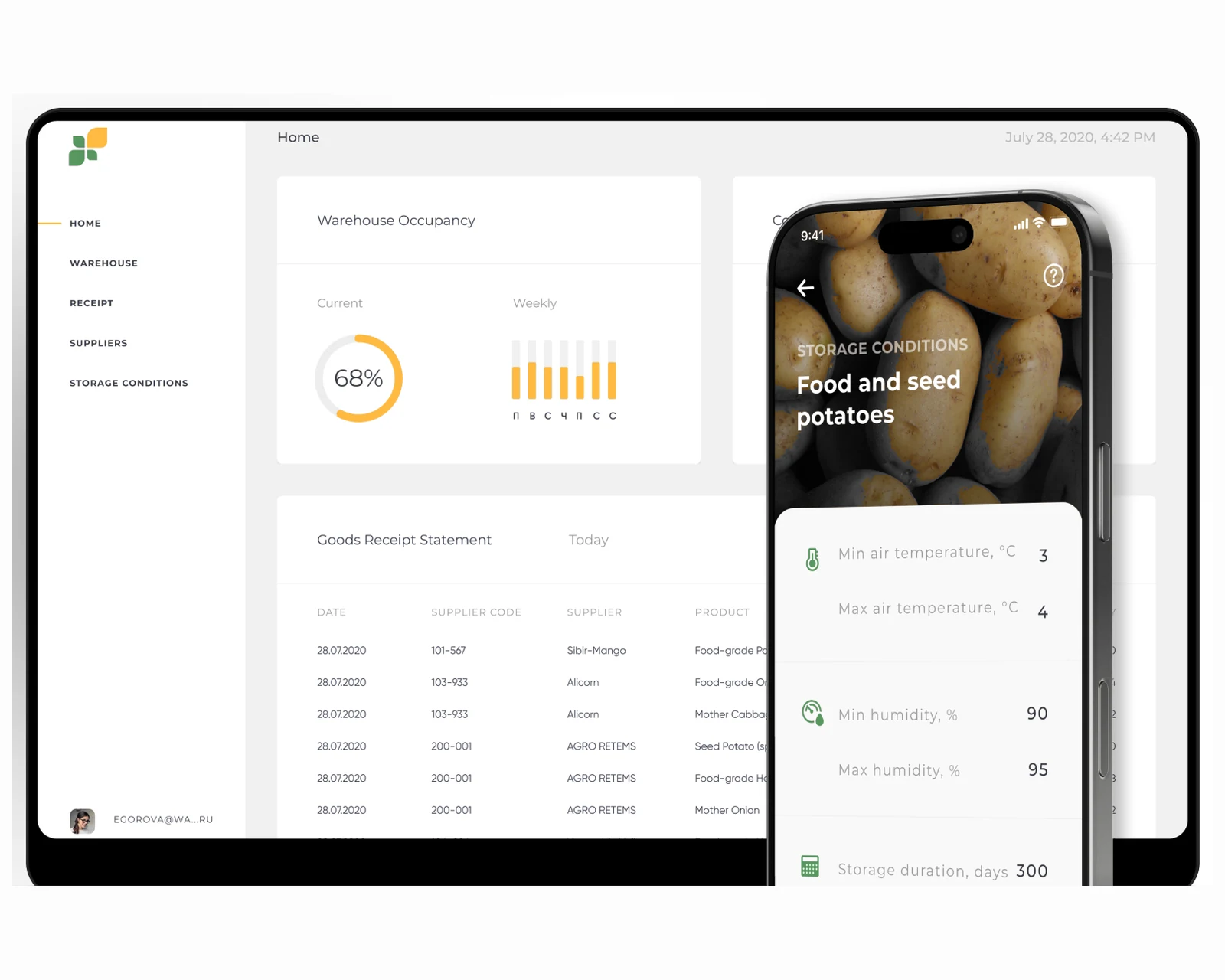
React control plane, native iOS + Android scanners, and industrial hardware integration across US & EU.
View case →
Native iOS, Android, and cross-platform apps with store-ready release pipelines.
Explore mobile app development →
Custom platforms engineered to your business model, scaling cleanly from MVP to millions of users.
Explore custom software development →
Containerized infrastructure, CI/CD pipelines, and Terraform-managed deployments across US & EU regions.
Explore cloud & DevOps →Share a few details and a senior consultant will reply within one business day.